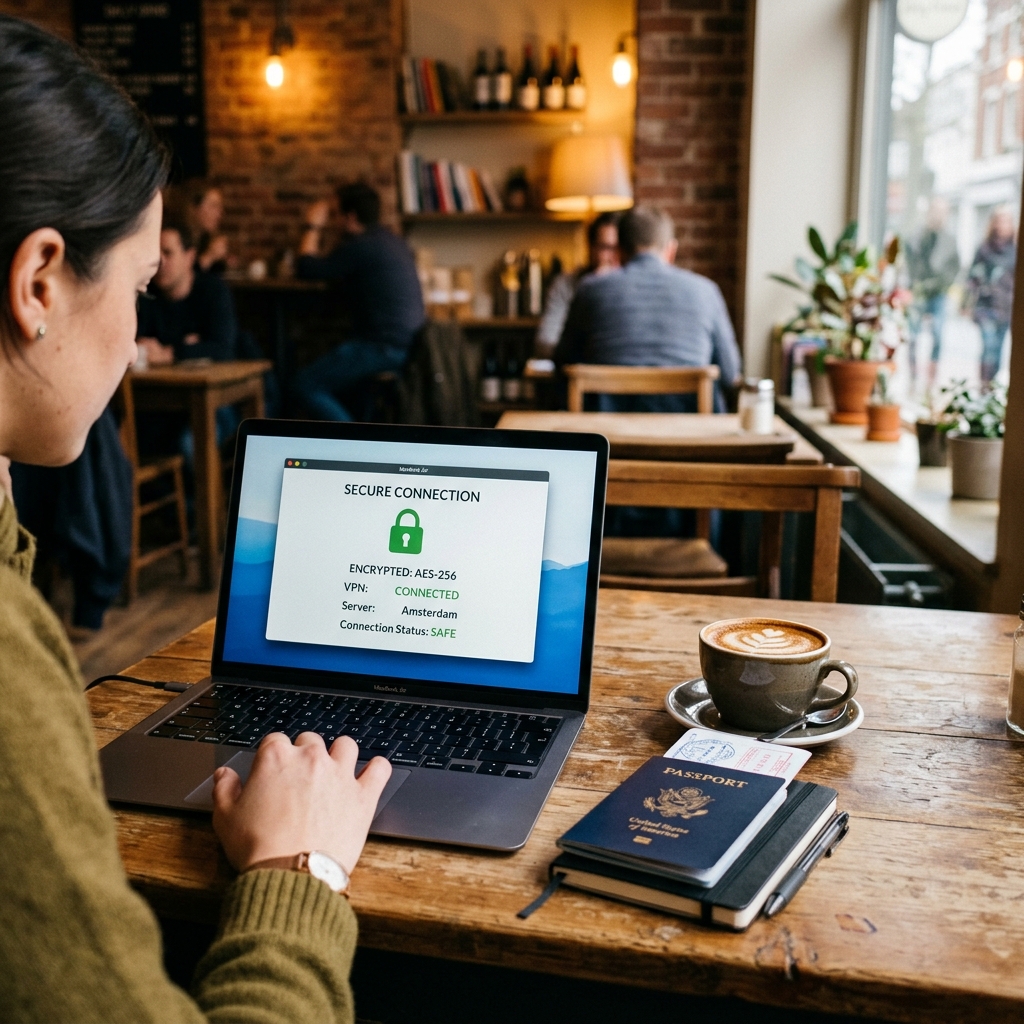
Public wifi is everywhere now, airport lounges, hotel lobbies, train carriages, beach bars. It’s one of the quiet luxuries of modern travel. It’s also the most common way travellers expose their data to strangers. A VPN fixes this for roughly the cost of a coffee every four weeks.
This is not a fear-mongering piece. The actual risk on public wifi is more nuanced than most tech writing suggests, and a VPN won’t make you invisible on the internet. But for a traveller who uses online banking, logs into email, or wants to watch their home Netflix library from abroad, the tool earns its cost in the first week.
Here’s what a VPN actually does, when you need one, and which one to get.
TL;DR: Yes, you should use a VPN when travelling, particularly on public wifi in hotels, airports, and cafés. Around 40% of people have had their personal information compromised while using public wifi (Forbes Advisor, 2024). A quality VPN costs $3–8/month, takes five minutes to set up, and also solves the streaming-from-abroad problem as a bonus.
What Does a VPN Actually Do?
A VPN, Virtual Private Network, creates an encrypted tunnel between your device and a server operated by the VPN provider. It does two things: it scrambles your data so that anyone monitoring the network between you and that server can’t read it, and it makes websites see the server’s IP address instead of yours. Think of it as a private courier instead of a public postbox.
In plain terms: without a VPN, data sent over an unencrypted wifi network travels in a form that a technically capable person on the same network could intercept. With a VPN running, that intercepted data is gibberish, useless without the decryption key.
The second effect, masking your IP address and appearing to be in the server’s country, is what makes streaming from abroad possible, and occasionally produces cheaper hotel and flight prices. More on both below.
What Are the Real Risks on Public Wifi?
Around 40% of people have had their personal information compromised on public wifi, according to a 2024 Forbes Advisor survey of US adults. That statistic gets cited a lot, but the nature of those compromises matters, because the threat is real but often misrepresented.
Citation capsule: Approximately 40% of adults have experienced a personal information compromise while using public wifi (Forbes Advisor, 2024). The most common attack vectors are man-in-the-middle interception and session hijacking on unencrypted HTTP connections, not blanket surveillance of all traffic.
The genuine threats worth knowing about:
Man-in-the-middle attacks. A bad actor positions themselves between your device and the wifi router, intercepting traffic passing between the two. On unencrypted HTTP sites, still common, though declining, they can read what you send and receive in plain text. On HTTPS sites, the data is already encrypted end-to-end, limiting what they can capture.
Evil twin networks. A fake hotspot named “Airport Free Wifi” or “Hotel_Guest” sits alongside the real one. You connect. The operator controls everything you send through it. These are more common than most people realise at major transport hubs.
Session hijacking. Some older sites issue authentication cookies over HTTP. An attacker on the same network can grab that cookie and use it to impersonate your session, accessing your account without ever knowing your password.
The honest caveat: if you stick to HTTPS sites and don’t enter credentials on unsecured pages, your risk on public wifi is meaningfully lower than the scariest headlines suggest. HTTPS is now around 87% of all web traffic (Google Transparency Report, 2024). A VPN adds another layer on top of that, redundant for low-stakes browsing, valuable for anything involving money or identity.
Does a VPN Solve the Streaming Problem?
Yes, this is arguably the most immediately useful thing a VPN does for most travellers. Netflix, BBC iPlayer, Disney+, and most other streaming services serve different content libraries by country. Your home library is locked to your home country’s IP address.
When you connect to a VPN server in your home country, streaming platforms see a home-country IP address and serve your usual library. A US traveller in Europe can watch US Netflix. A British traveller in Australia can access BBC iPlayer. The content you pay for becomes available wherever you are.
What we’ve found: BBC iPlayer is one of the most aggressive at blocking VPN traffic, it actively detects and blocks many VPN IP addresses. ExpressVPN and NordVPN both maintain rotating server pools that keep ahead of iPlayer’s blocklist, which is why this particular use case favours paid providers with active server maintenance. Free VPNs rarely manage it.
Be aware of one nuance: some streaming services prohibit VPN use in their terms of service. They don’t enforce this against individual users, but you’re technically outside the rules. That’s a decision you can make yourself.
Can a VPN Get You Cheaper Flights and Hotels?
Sometimes. Dynamic pricing on travel booking sites can vary by the user’s apparent location, some markets see lower base prices because local purchasing power is factored in. Switching your VPN server to a lower-cost market (India, Brazil, certain Eastern European countries) before searching has produced genuine savings for some travellers.
The reality is inconsistent. Airlines and hotel chains have become better at detecting and limiting this technique. Currency differences often account for apparent price disparities when the end payment currency is the same. It works often enough to be worth a five-minute test before booking an expensive stay, but don’t count on it as a reliable money-saving strategy.
how to book European trains cheaply
Which VPN Should You Get?
The VPN market is crowded and the marketing is aggressive. Here’s a plain comparison of the three providers worth considering, and one category to avoid outright.
NordVPN, Best Overall for Travellers
NordVPN covers six simultaneous devices, runs consistently fast servers across 111 countries, and has straightforward apps on every platform. The annual plan works out to approximately $3–4/month, get NordVPN . It passed independent audits by Deloitte in 2023 confirming its no-logs policy. For most travellers who want a VPN and don’t want to think about it, this is the default recommendation.
ExpressVPN, Best for Streaming
ExpressVPN is the fastest major VPN in consistent independent testing, Wirecutter has rated it the top pick for speed in its most recent review (New York Times Wirecutter, 2025). It costs more, at around $8/month on an annual plan, get ExpressVPN , but if streaming is your primary use case, particularly BBC iPlayer, the server maintenance that justifies the price difference shows.
Mullvad, Best for Privacy
Mullvad is an outlier in the best way. It charges a flat €5/month, requires no email address to sign up, accepts cash payment by post, and has refused court orders to hand over user logs, because it doesn’t keep any. There’s no affiliate link for Mullvad, which is worth noting: we mention it because it’s excellent, not because there’s a commission attached. If privacy is your primary concern rather than streaming or general protection, Mullvad is the answer.
Free VPNs, Mostly Avoid
Free VPN services have to cover server and bandwidth costs somehow. The most common method is selling usage data, browsing history, device identifiers, app activity, to advertising networks. A VPN that monetises your data is not a privacy tool. It’s a data broker with a misleading name. The occasional exception exists (Proton VPN’s free tier is legitimate, though limited), but the category default is: avoid.
When Don’t You Need a VPN?
Most writing about VPNs makes the case for using one at all times. That’s overstated. There are situations where running a VPN adds friction without meaningfully improving your security.
On your home network. Your home router is controlled by you. Unless you have specific reason to distrust your ISP, the risk profile is fundamentally different from shared public wifi. A VPN at home is a personal privacy choice, not a safety necessity.
Browsing HTTPS-only sites for low-stakes tasks. Reading news, checking maps, searching for restaurants, these activities on public wifi carry minimal risk even without a VPN, because HTTPS encryption already protects the content of your connection. What public wifi exposes without a VPN is metadata, that you visited a site, not the content of what you did there.
In countries with no censorship concerns. Part of what a VPN provides is access to the open internet in countries that restrict it. In Western Europe, North America, Japan, and Australia, this isn’t a concern. In China, Russia, Iran, and parts of the Middle East, it’s a significant one, though note that China actively blocks most VPN connections, and providers that work there change frequently.
How to Set It Up Before You Leave
Five minutes before your trip. That’s all this takes. Don’t wait until you’re at the airport, set it up at home while you have time to troubleshoot if anything goes wrong.
- Choose your provider (NordVPN for most people, get NordVPN ). Sign up, pay for the annual plan.
- Download the app on every device you’ll travel with, phone, laptop, tablet. Most providers allow installation on up to six devices simultaneously.
- Open the app and connect to a server in your home country. Check that it works by visiting whatismyipaddress.com, you should see the VPN server’s location, not your actual one.
- Enable the kill switch setting if your provider offers it. This cuts your internet connection entirely if the VPN drops, preventing accidental unprotected exposure.
- Set the app to connect automatically on unfamiliar networks. You won’t have to remember, it just runs.
The total setup time, including account creation, is around five minutes. You’ll spend more time than that waiting for your boarding gate to open.
what to pack for a long train trip
What About VPNs on Train Wifi Specifically?
Train wifi across Europe has improved, but it’s still inconsistent, and on many routes it’s exactly the kind of shared, unencrypted network that benefits most from VPN protection. According to the European Commission’s 2024 rail connectivity report, fewer than 60% of major cross-border rail routes in Europe had reliable high-speed wifi as of 2023 (European Commission, 2024).
What we’ve found on European trains: The most common issue isn’t security, it’s speed. Train wifi is often too slow to stream anything, VPN or no VPN. The practical advice is to download what you want before you board: Netflix episodes, podcasts, articles via Pocket. A VPN on train wifi is still good practice for any banking or email you do in transit, but it won’t fix a weak signal.
The overnight trains, the Nightjet network and others, often have no wifi at all in compartments. Which is, honestly, fine. Download your content. Sleep. Arrive somewhere.
sleeping overnight on European trains
Related Reading
- Solo Female Train Travel in Europe: A Practical Safety Guide, The honest guide to solo female train travel in Europe, safety realities, booking strategies, night train tips, and…
- Travel Insurance for Europe: What You Actually Need and What You Don’t, Most travel insurance is oversold and under-explained.
- The Adriatic Coast by Train and Ferry: Italy to Croatia Slow, Travel the Adriatic slow: Italy’s coastal rail line from Bologna to Bari, then overnight ferry to Split and…
Frequently Asked Questions
Is it legal to use a VPN while travelling?
In most countries, yes, VPNs are legal tools used by businesses and individuals worldwide. Exceptions exist: China, Russia, North Korea, Belarus, and a small number of other countries restrict or ban VPN use. If you’re travelling to any of these destinations, research the current legal position before you go. Using a VPN in a country that bans it carries genuine legal risk.
Will a VPN slow down my internet connection?
Slightly, yes. Encryption and routing through an additional server adds latency. In practice, on a decent connection, the slowdown is imperceptible for browsing, email, and streaming at standard definition. On very fast connections (hotel business centres, fibre in apartments), you may notice a small reduction in download speeds. On already-slow connections, train wifi, rural hotspots, the VPN isn’t the bottleneck.
Does a VPN hide everything I do online?
No. A VPN hides your activity from the network you’re connected to and obscures your IP address from the sites you visit. It does not hide your activity from the VPN provider itself, which is why provider choice matters, specifically their logging policy. It also doesn’t hide your activity from accounts you’re logged into: if you’re signed into Google, Google knows what you’re searching regardless of which IP address you’re using.
Do I need a VPN if I only use my phone’s mobile data?
Mobile data, 4G, 5G via your phone carrier, is significantly more secure than public wifi by default. It’s encrypted by the network and much harder to intercept without carrier-level access. If you’re roaming on your home carrier’s data plan, a VPN is substantially less critical than on public wifi. If you’re using a local SIM in a country you distrust at a government level, a VPN adds a useful layer.
Can I use one VPN account for my whole family?
Most providers allow between five and eight simultaneous connections on a single subscription. NordVPN allows six; ExpressVPN allows eight. A single annual subscription covers most families for all devices. Mullvad allows unlimited simultaneous connections on one account, which makes it worth considering for households with many devices.
The Short Version
A VPN is not a magic shield and it won’t make you anonymous on the internet. What it does is specific and useful: it protects your data on networks you don’t control, it unblocks your home streaming content wherever you are, and it costs less than a single airport coffee per month on an annual plan.
If you use hotel wifi, airport wifi, café wifi, and you do, a VPN is a sensible tool. It takes five minutes to set up before you leave. Set it to connect automatically on unfamiliar networks and you won’t have to think about it again.
NordVPN is the default recommendation for most travellers. ExpressVPN if streaming is the priority. Mullvad if privacy is. And download everything you want to watch before you board the train.